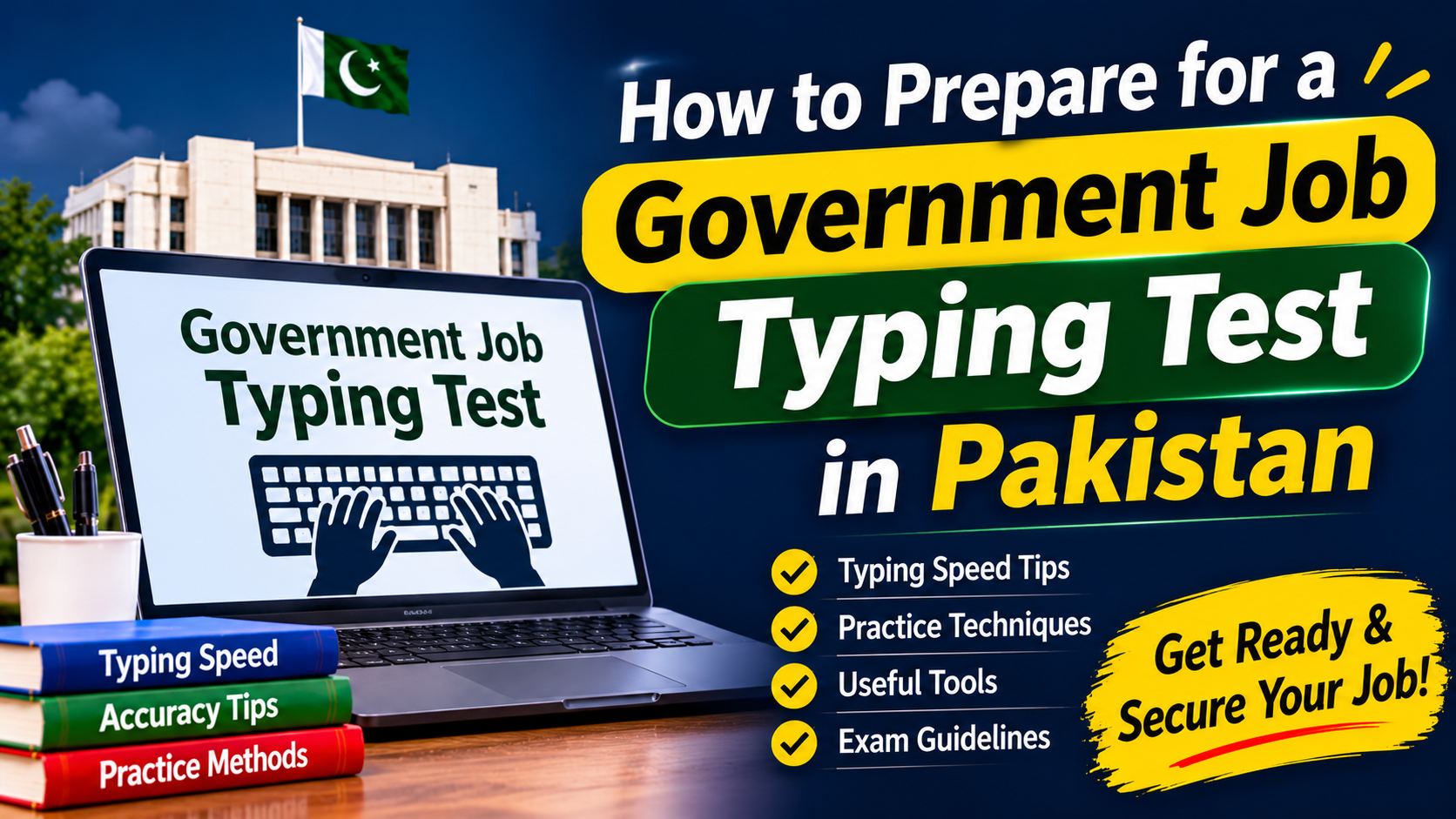
Typing skills are important for many government positions in Pakistan, particularly roles involving data entry, office administration, clerical work and computer operations. Candidates applying for these vacancies may need to pass a typing test before moving to the next stage of recruitment.
Many applicants believe that typing quickly is enough to pass this assessment. However, speed alone does not guarantee a good result. Accuracy, proper keyboard control, familiarity with the computer and the ability to work within a time limit are equally important.
If you are preparing for a government job typing test for the first time, this guide will help you understand the assessment and develop a practical preparation routine.
What Is a Government Job Typing Test?
A typing test is an assessment used by recruiting organisations to check how accurately and quickly a candidate can enter text using a keyboard.
It is commonly associated with positions such as:
- Junior Clerk
- Senior Clerk
- Data Entry Operator
- Computer Operator
- Stenotypist
- Office Assistant
The exact test format depends on the recruiting department and the position. Some assessments involve typing an English passage, while others may include Urdu typing or additional computer-related tasks.
Candidates should read the official job advertisement and test instructions because the required speed, duration and assessment method are not identical for every vacancy.
Understand Typing Speed and Accuracy
Two important measurements are used to evaluate typing performance.
Words Per Minute (WPM): This indicates how many words a person types in one minute. It is commonly calculated using a standard word length of five characters, including spaces.
Typing Accuracy: This measures how much of the entered text matches the original passage. Incorrect spelling, missing words and unnecessary characters can reduce the result.
For example, a candidate who types quickly but makes frequent mistakes may perform worse than someone who types slightly slower with better accuracy.
During preparation, aim to improve both measurements rather than focusing on speed alone.
How to Improve Your English Typing Speed
Developing consistent keyboard habits is more useful than repeatedly trying to type as fast as possible.
1. Learn the Correct Finger Positions
Start by understanding the home-row keys on a standard QWERTY keyboard:
- Left hand: A, S, D and F
- Right hand: J, K, L and semicolon (;)
Keep your fingers close to these positions and use the appropriate fingers for nearby keys. This technique reduces unnecessary hand movement and helps build typing consistency.
2. Practise Without Looking at the Keyboard
Try to recognise key positions through touch instead of constantly looking down. This method is known as touch typing.
Initially, your speed may be slow. That is normal. Focus on entering the correct characters and gradually increase your pace.
3. Use Full Sentences and Paragraphs
Typing individual words is useful for learning keyboard positions, but government assessments often involve complete passages.
Practise paragraphs containing capital letters, punctuation marks, numbers and common English words. This will help you become comfortable with different types of text.
4. Improve Accuracy Before Increasing Speed
Do not rush through practice exercises. If you regularly make mistakes, slow down and identify the keys that cause difficulty.
Once your accuracy becomes consistent, increase your typing speed gradually.
Best Websites for Typing Practice
Online typing platforms can help beginners measure their progress and identify areas that need improvement.
Here are some useful resources:
1. Typing.com
Website: https://www.typing.com/
It provides structured typing lessons, exercises and performance tracking. Beginners can use it to develop correct finger placement.
2. Ratatype
Website: https://www.ratatype.com/
This platform offers typing lessons and speed tests that help users practise keyboard control.
3. 10FastFingers
Website: https://10fastfingers.com/
It is useful for short typing speed tests and checking how many words you can enter within a fixed period.
4. Monkeytype
Website: https://monkeytype.com/
This tool provides customisable typing tests and displays results such as speed and accuracy.
These websites are practice resources, not official government testing platforms. The actual recruitment examination may use different software and instructions.
A Practical 14-Day Typing Preparation Plan
Candidates with limited preparation time can follow a simple daily routine. Adjust the schedule according to your current ability and the test date.
| Days | Practice Activity | Daily Time |
|---|---|---|
| 1–2 | Learn home-row keys and finger placement | 20 minutes |
| 3–4 | Practise common words and short sentences | 25 minutes |
| 5–6 | Type complete English paragraphs | 30 minutes |
| 7–8 | Work on spelling and punctuation accuracy | 30 minutes |
| 9–10 | Attempt timed typing exercises | 35 minutes |
| 11–12 | Practise full-length passages | 35 minutes |
| 13 | Take multiple practice tests and review mistakes | 40 minutes |
| 14 | Complete a final timed assessment | 40 minutes |
Maintain a record of your results. Write down your WPM, accuracy percentage and common errors after each test.
This will help you understand whether your performance is improving and which areas need additional attention.
How to Prepare for an Urdu Typing Test
Some government and administrative positions may require Urdu typing. This can be more challenging for candidates who have only practised English.
Urdu typing may involve a particular keyboard layout or software selected by the recruiting organisation.
Before starting preparation:
- Check which Urdu keyboard layout is required.
- Install or practise using the relevant typing software.
- Learn the location of common Urdu characters.
- Practise complete sentences and paragraphs.
- Check whether the test requires a specific font or input method.
Do not assume that every department uses the same Urdu typing system. Follow the instructions provided by the recruiting authority.
Important Things to Check Before the Test
A little preparation before the examination can prevent unnecessary problems.
Read the test instructions: Confirm the required speed, duration, language and software.
Understand the marking method: Find out whether mistakes, missing words or incorrect characters affect your final score.
Practise on a physical keyboard: If the actual examination uses a desktop computer, do not depend entirely on mobile typing practice.
Check your seating position: Sit comfortably, keep your wrists relaxed and maintain a suitable distance from the screen.
Learn basic computer controls: Be familiar with the keyboard, spacebar, Enter, Backspace and Shift keys.
Arrive on time: Follow the reporting instructions and carry the documents mentioned in your examination notice.
Common Typing Test Mistakes to Avoid
Candidates sometimes lose marks because of habits that could have been corrected during preparation.
- Typing too quickly without checking accuracy.
- Looking at the keyboard after every few characters.
- Using only two fingers for all typing tasks.
- Ignoring capital letters and punctuation.
- Practising only on a smartphone.
- Failing to attempt timed exercises before the examination.
- Panicking after making a small mistake.
- Ignoring the official instructions about the test format.
If you make an error during the assessment, follow the software instructions regarding corrections. Some systems allow editing, while others may apply different rules.
Frequently Asked Questions
What typing speed is required for government jobs in Pakistan?
There is no single speed requirement for every government vacancy. The required WPM depends on the post and recruiting department. Check the official advertisement or test instructions for the exact standard.
Can I prepare for a typing test at home?
Yes. A computer, keyboard and regular practice can help you improve. Online typing platforms are useful for measuring progress before the actual examination.
Is accuracy more important than typing speed?
Both matter. A high typing speed with frequent mistakes may not produce a good result. Candidates should aim for a balance between correct text entry and efficient performance.
How many days are enough to improve typing?
It depends on your starting level and daily practice. Beginners may need several weeks to develop consistent keyboard control, while people with existing skills may improve more quickly.
Can I practise typing on my mobile phone?
Mobile applications can help with basic keyboard familiarity, but they are not a complete substitute for a physical computer keyboard. Practise on a desktop or laptop whenever possible.
Conclusion
Preparing for a government job typing test requires regular practice, correct keyboard techniques and a clear understanding of the examination requirements. Candidates should focus on accuracy first, gradually improve their speed and practise complete passages under timed conditions.
Most importantly, check the official instructions for your specific vacancy instead of relying on a general typing-speed target. With consistent preparation and a practical routine, beginners can become more confident and improve their chances of performing well in the assessment.
Meta Description: Learn how to prepare for a government job typing test in Pakistan with practical exercises, typing speed tips, accuracy techniques, online practice websites and a 14-day study plan.