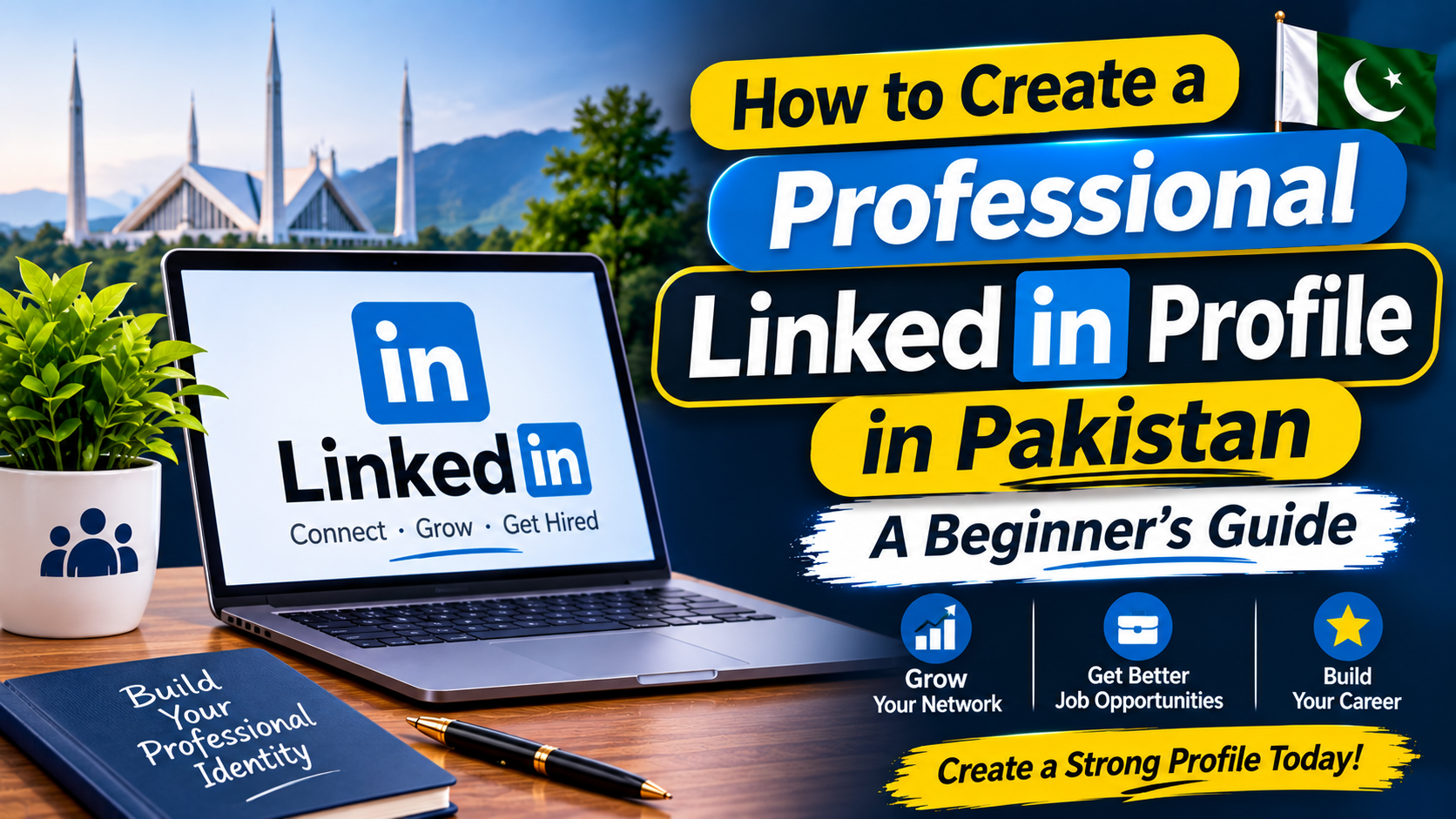
Building a professional online presence is becoming increasingly important for students, graduates, freelancers, and job seekers in Pakistan. Many employers, recruiters, and business professionals use LinkedIn to discover talent, explore professional backgrounds, and connect with potential candidates.
A LinkedIn profile is more than an online CV. It allows you to present your education, skills, projects, achievements, and professional interests in one place. A properly completed profile can also help you connect with people working in your chosen industry.
If you are new to LinkedIn, this guide explains how to create a professional profile, improve its visibility, and use the platform effectively.
1. Create Your LinkedIn Account
Visit https://www.linkedin.com/ and select the option to join or create an account.
You will generally need an active email address or another supported registration method. Follow the verification instructions and enter accurate personal information.
Choose your real professional name rather than a nickname or an unrelated username. This makes it easier for classmates, employers, and professional contacts to recognise you.
Use a strong, unique password and enable available account security features.
2. Add a Professional Profile Photo
Your profile photograph is one of the first things visitors may notice.
Choose a clear, recent picture with good lighting and a simple background. Wear clean, appropriate clothing and make sure your face is visible.
Avoid blurry photographs, group pictures, heavy filters, and unrelated images.
A professional photograph does not need to come from an expensive studio. A clear picture taken with a mobile phone can be suitable.
3. Write a Clear Professional Headline
Your headline appears below your name and helps visitors understand your professional background.
Instead of writing only “Looking for a Job”, describe your education, area of interest, or professional skills.
For example:
Computer Science Graduate | Interested in Web Development | HTML, CSS and JavaScript
A business student could write:
Business Administration Student | Interested in Marketing and Business Development
Keep the headline accurate. Do not describe yourself as an experienced professional or specialist if you are still learning.
4. Complete the About Section
The About section gives you an opportunity to explain your background and professional interests in a few short paragraphs.
Include:
- Your educational background
- Areas of professional interest
- Relevant skills
- Projects or practical experience
- Career goals
For example:
“I am a recent graduate with an interest in digital marketing and online business development. During my studies, I developed an understanding of marketing principles, communication, and basic digital tools. I am interested in learning through practical projects and connecting with professionals in the industry.”
Use your own genuine details rather than copying another person’s introduction.
5. Add Your Education, Skills and Projects
A complete profile helps visitors understand what you have studied and what you can contribute.
Add your university, degree title, study period, and relevant academic information.
You can also include:
Skills: Add abilities that you can genuinely demonstrate, such as Microsoft Excel, graphic design, programming, communication, or data analysis.
Projects: Describe university assignments, personal projects, websites, research, or practical work.
Certifications: Include relevant courses and certificates from recognised learning platforms or institutions.
If you have no professional experience, academic projects and independent work can still demonstrate your abilities.
6. Build Relevant Professional Connections
LinkedIn allows users to connect with people they know and professionals working in different industries.
Start with classmates, teachers, university alumni, former colleagues, and people you have genuinely worked with.
You can also follow companies and organisations that interest you.
When sending a connection request, a short personalised message is more professional than an unexplained request. Mention how you know the person or why you would like to connect.
Avoid sending large numbers of random requests or repeatedly messaging strangers.
7. Share Useful Professional Content
An active profile can help you participate in professional discussions and demonstrate your interests.
You can share:
- A completed academic project
- A certificate from a relevant course
- A useful industry-related learning experience
- A professional achievement
- A thoughtful discussion about your field
Write your own descriptions and give proper credit when sharing someone else’s work.
Posting regularly is not compulsory. Focus on sharing meaningful and accurate information rather than publishing content simply to appear active.
8. Protect Your Privacy and Professional Reputation
Before publishing information, review your profile visibility and account privacy settings.
Do not publicly share your CNIC number, home address, passwords, financial information, or private documents.
Be cautious of people who promise guaranteed jobs, ask for advance payments, or request sensitive information through unofficial messages.
LinkedIn can help people discover opportunities, but it does not verify every message or job offer shared by users.
Frequently Asked Questions (FAQs)
Is LinkedIn useful for students in Pakistan?
Yes. Students can use LinkedIn to connect with professionals, explore career opportunities, follow organisations, and showcase academic projects and skills.
Can fresh graduates create a LinkedIn profile without work experience?
Yes. They can include their education, academic projects, certifications, practical skills, and professional interests.
Is LinkedIn free to use?
LinkedIn offers a free account with basic networking and professional profile features. It also provides optional paid subscription plans with additional features.
How can I make my LinkedIn profile look professional?
Use your real name, a clear photograph, a relevant headline, an informative About section, and accurate details about education, skills, and projects.
Can LinkedIn guarantee a job?
No. LinkedIn provides networking and career-related tools, but getting hired depends on the employer’s requirements, candidate qualifications, selection process, and other factors.
Conclusion
A professional LinkedIn profile can help students and job seekers in Pakistan present their qualifications and build useful industry connections. You do not need years of experience to get started. Accurate educational information, genuine skills, relevant projects, and a clear professional introduction are enough to create a useful foundation.
Keep your profile updated, communicate respectfully, and use the platform to learn about your chosen industry. A well-maintained profile can support your career development, although it cannot guarantee employment.
Meta Description: Learn how to create a professional LinkedIn profile in Pakistan, add education and skills, build professional connections, and improve your online presence.
Official Resource: https://www.linkedin.com/help/linkedin