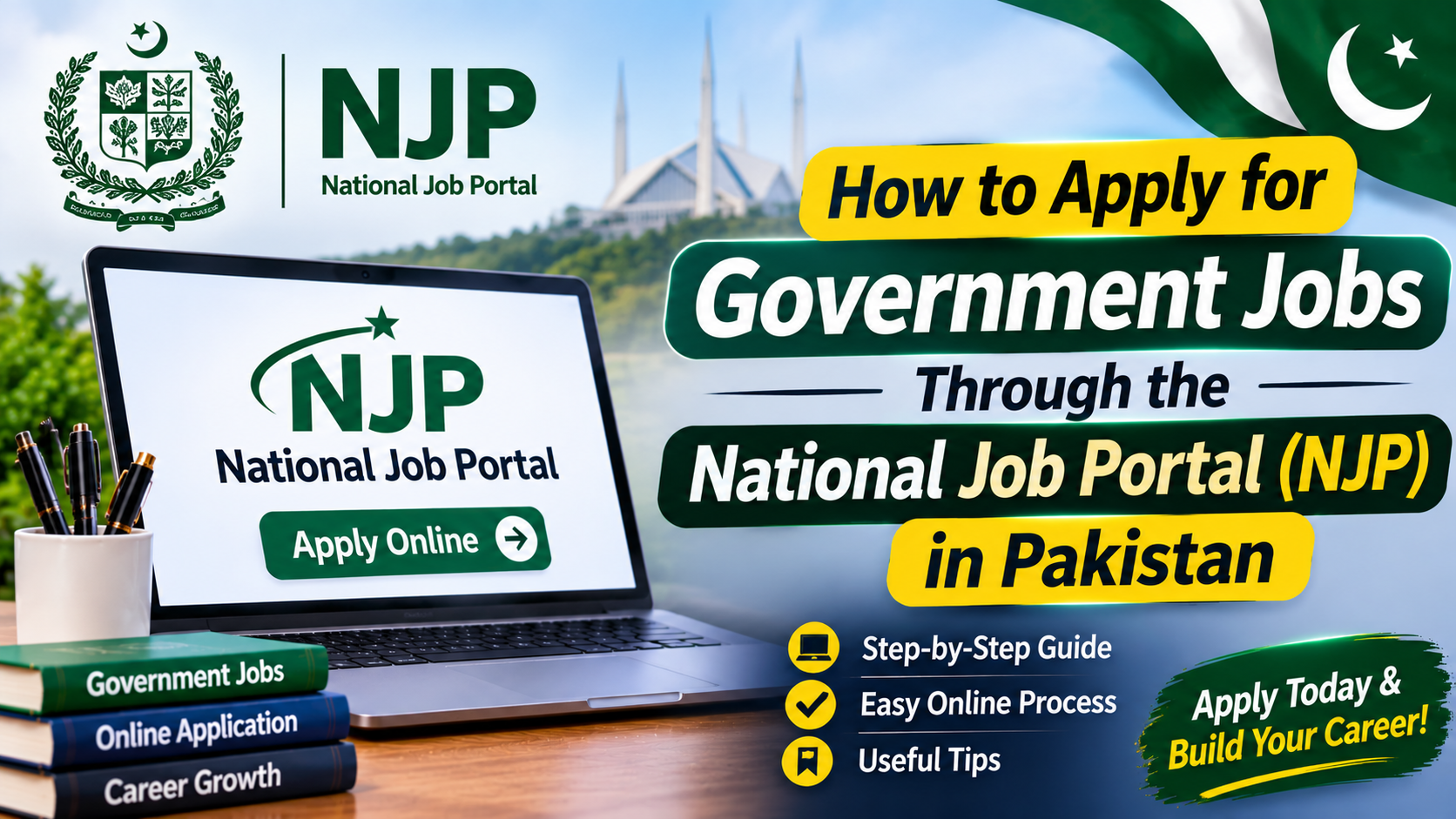
Finding a suitable government job in Pakistan can be challenging, especially when vacancies are announced by different departments. The National Jobs Portal (NJP) provides an online platform where candidates can explore government employment opportunities and submit applications without visiting multiple offices.
Applicants can create an account, complete their professional profile, search for available vacancies and apply online. However, simply registering on the portal does not mean that a candidate is eligible for every position. Educational qualifications, age limits, domicile and experience requirements must be checked separately for each vacancy.
This guide explains how Pakistani candidates can use the National Jobs Portal, prepare their profiles and avoid common application mistakes.
What Is the National Jobs Portal (NJP)?
The National Jobs Portal is an online recruitment platform established by the Government of Pakistan to make government job opportunities easier to access. It allows job seekers to view advertised vacancies and submit applications through an online account.
The portal also provides a CV management facility, helping applicants maintain their educational information, personal details and employment history in one place.
Official website: https://njp.gov.pk/
Candidates should remember that NJP provides the application platform, while the relevant recruiting department is responsible for checking eligibility, shortlisting applicants and making final recruitment decisions.
Requirements Before Applying for NJP Jobs
Before creating an account, prepare the information and documents that may be needed during registration and profile completion.
- Valid CNIC number
- Active email address
- Personal mobile number
- Educational certificates and degree details
- Domicile information, where required
- Employment history, if applicable
- Relevant professional certificates or skills
- Recent photograph or supporting documents, if requested
Keep your CNIC and academic records nearby so that you can enter accurate information. Your name, date of birth and other personal details should match your official documents.
How to Register on the National Jobs Portal
Follow these steps to create a candidate account:
- Open the official website at https://njp.gov.pk/.
- Select the Sign Up option.
- Choose the candidate or job seeker registration option.
- Enter your CNIC number and valid email address.
- Create a secure password and provide the requested information.
- Follow the email verification instructions.
- Return to the website and sign in using your account details.
Use an email address that you regularly access. Important account notifications and password recovery instructions may be sent there.
Never share your password or verification codes with another person. Avoid registering through unofficial websites that imitate the government portal.
How to Complete Your NJP Profile and CV
After registration, sign in to your account and open the CV Manager or profile section. The portal provides a CV-building facility where applicants can enter their personal and professional information.
Complete the relevant sections carefully.
1. Personal Information
Provide your full name, CNIC number, date of birth, contact details and other requested information. Enter your domicile details correctly because certain vacancies are reserved for candidates from specific provinces or districts.
2. Educational Background
Add your academic qualifications in the correct order, starting with your Matriculation certificate and continuing to higher education.
Include details such as:
- Degree or certificate title
- Educational board or university
- Passing year
- Marks, percentage or CGPA, where requested
Choose the correct qualification from the available options. A difference between your actual degree title and the information selected in your profile may create problems during eligibility checking.
3. Work Experience
If you have previously worked, mention the organisation, job title and employment dates accurately. Include only genuine experience that you can support with relevant documents if required.
Fresh candidates who have never worked should not invent employment details to make their profiles appear stronger.
4. Skills and Additional Information
Mention relevant computer skills, technical abilities, professional training and certificates where the portal provides these fields. Select information that genuinely reflects your abilities.
After completing the sections, review your profile and save the information.
How to Search for Government Jobs on NJP
Once your profile is ready, visit the job opportunities section of the portal.
You can explore available vacancies and use the search options to find positions related to your education, experience or preferred department.
When searching, consider these points:
- Search using the job title or relevant keyword.
- Check the department offering the position.
- Review the location and number of vacancies.
- Look at the required education and experience.
- Confirm the closing date before starting an application.
Do not select a position simply because its title sounds suitable. Read the complete advertisement and compare its requirements with your own qualifications.
How to Apply for a Job Through NJP
After finding a suitable vacancy, follow this process:
- Open the job advertisement.
- Read the eligibility conditions and instructions.
- Check the age limit, qualification, experience and domicile requirements.
- Make sure your NJP profile contains the correct information.
- Select the Apply option.
- Follow any additional instructions displayed by the portal.
- Confirm that your application has been submitted successfully.
If the system displays an error, read its message carefully. The problem may be related to missing information, an incorrect qualification entry or another eligibility condition.
Keep a record of the job title, department and submission details for future reference.
Is There Any Fee for Applying Through NJP?
According to the National Jobs Portal’s official FAQ, registration and applications submitted through NJP are free of charge.
However, candidates should read each vacancy notice carefully. A recruiting organisation may provide separate instructions regarding a test or another recruitment-related process.
Do not pay an unknown person who claims to guarantee selection or offers to arrange a government appointment in exchange for money. Recruitment decisions are made by the relevant department, not by private agents.
How to Check Your Application Status
After submitting an application, sign in to your NJP account and review the available application or dashboard information.
The recruiting department is responsible for examining applications, deciding which candidates meet the conditions and conducting further recruitment stages.
Depending on the position, shortlisted applicants may be contacted for a written examination, interview, skill assessment or document verification.
Keep checking your registered email address and the relevant department’s official website for updates. Submission of an online application does not automatically confirm shortlisting.
Common Mistakes to Avoid When Applying
Many applicants face difficulties because of small errors in their profiles or applications. You can reduce these problems by checking the following points:
- Entering an incorrect CNIC number or date of birth.
- Providing an email address that is no longer accessible.
- Selecting an unrelated educational qualification.
- Leaving important profile sections incomplete.
- Entering inaccurate employment dates.
- Applying for a position without meeting its age or experience conditions.
- Ignoring the domicile requirement.
- Waiting until the final day to submit an application.
Before applying, compare your information with the original documents. If the portal allows changes to your profile, update incorrect details before submitting another application.
What to Do If You Face an NJP Registration or Application Problem
If you cannot register, access your account or submit an application, first check your internet connection and the information entered in the relevant fields.
For a technical issue, take a clear screenshot of the error and contact the official NJP support team. Include the job title, a brief explanation and the screenshot so that the support staff can understand the problem.
The portal lists the following contact details:
- Phone: 051-9265411, 051-9265062
- Email: [email protected]
- Support hours: Monday to Friday, 8:30 AM to 4:30 PM
You can also visit the official FAQ page for answers about registration, CV management, application deadlines and account access:
Frequently Asked Questions
1. Can fresh candidates apply through NJP?
Yes. Fresh graduates and other candidates without previous employment can apply for vacancies that do not require professional experience. Always check the specific advertisement before submitting an application.
2. Is National Jobs Portal registration free?
Yes. According to the official NJP FAQ, creating an account and submitting applications through the portal are free services.
3. Can I apply for more than one government vacancy?
You can apply for different advertised positions if you meet the eligibility conditions of each vacancy. Submit a separate application for every relevant position according to its instructions.
4. Can I submit an application after the closing date?
Generally, no. The portal does not accept applications after a vacancy closes unless the relevant authority extends or reopens the recruitment process.
5. Who decides whether a candidate is selected?
The recruiting department is responsible for checking applications, shortlisting eligible candidates and making recruitment decisions. NJP provides the online application facility and technical support.
Conclusion
The National Jobs Portal offers Pakistani job seekers a convenient way to explore government vacancies and apply online. By creating an accurate account, completing the CV sections and carefully reviewing each advertisement, candidates can avoid many common application problems.
Before submitting any form, verify your educational details, age, domicile and experience against the official vacancy requirements. Most importantly, use the genuine NJP website and follow instructions issued by the recruiting department.
Meta Description: Learn how to register on Pakistan’s National Jobs Portal (NJP), complete your online CV, search government vacancies and apply for suitable jobs step by step.